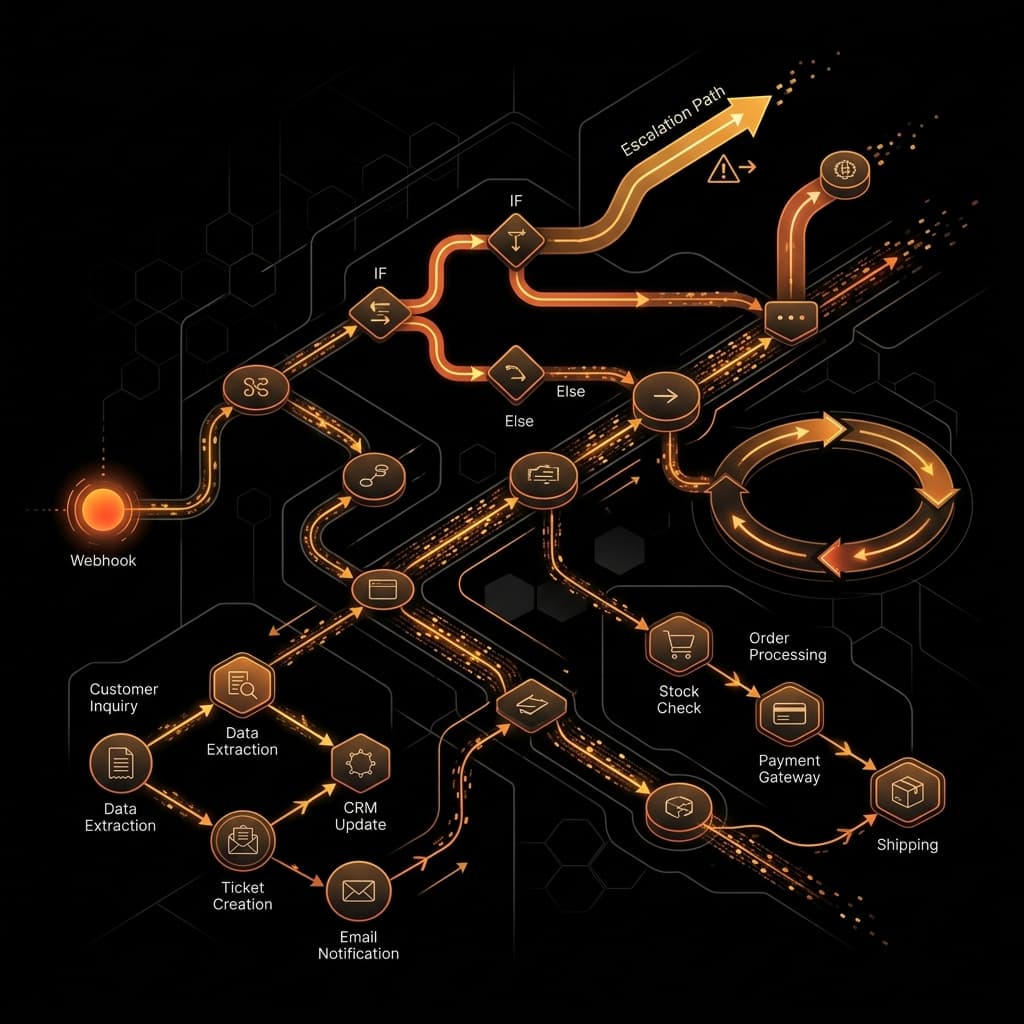
n8n has evolved from a simple Zapier alternative into a powerful orchestration engine for AI agents. When building for clients, n8n provides the visibility and debugging tools that pure code solutions often lack.
In this 1,000+ word guide, we'll dive deep into how to use n8n as a production-grade AI backbone.
#Why n8n? The 'Visual Code' Advantage
When a workflow fails at 3 AM, you don't want to be digging through CloudWatch logs. n8n allows you to see exactly which node failed, what the input was, and what the error message said. This 'visual observability' is its biggest strength.
#The 'Agentic' Workflow Pattern
I typically structure AI workflows into three distinct phases:
Phase 1: Data Ingestion & Cleaning
Use n8n's built-in connectors (Google Sheets, PostgreSQL, Slack) to pull data. Never pass 'dirty' data to an LLM. Use a 'Code Node' to normalize fields first.
// Cleaning incoming webhook data in n8n
return items.map(item => ({
  json: {
    email: item.json.email.toLowerCase().trim(),
    company: item.json.company_name || "Unknown",
    timestamp: new Date().toISOString()
  }
}));#Phase 2: Self-Hosting for Security and Performance
For enterprise clients, I almost always recommend self-hosting n8n via Docker on a VPS (like DigitalOcean or Railway).
#Phase 3: Handling Massive Datasets with Batching
If you try to process 10,000 rows in a single n8n execution, you will likely hit memory limits or timeout. The solution is the **Loop & Batch** pattern.
1. **Split Node:** Break the large array into batches of 50.
2. **Sub-Workflow:** Pass each batch to a separate sub-workflow.
3. **Wait Node:** Add a short delay (1-2 seconds) between batches to avoid hitting LLM rate limits.
#Phase 4: CI/CD for Workflows
Workflows are code. Treat them as such. I use the n8n API to automatically export workflows to a GitHub repository every time they are saved. This provides a full version history and allows for easy rollbacks if a change breaks the production pipeline.
#Phase 5: Advanced AI Nodes
n8n's AI nodes (Chains, Agents, Embeddings) are incredibly powerful. They allow you to build RAG pipelines directly inside the canvas.
#Reliability Tips for 24/7 Operations
1. **Error Trigger Nodes:** Every workflow MUST have an 'Error Trigger' node. This node should send a formatted Slack or Discord alert with a link directly to the failed execution.
2. **Retry Logic:** For flaky third-party APIs, configure the node's 'Settings' to retry on failure (e.g., 3 retries with a 5-minute interval).
3. **Binary Data Management:** If you are processing images or large PDFs, use an external S3 bucket rather than storing binary data in the n8n database to keep the system fast.
#Conclusion
n8n is the 'secret weapon' for the modern AI engineer. It bridges the gap between the speed of low-code and the power of full-stack engineering. By following these enterprise patterns, you can build automation that is not just fast to deploy, but also easy to maintain and scale.
"Moving from demo to production requires shifting focus from prompt engineering to system engineering. The magic is in the retrieval loop."